

Thread: Table Tools Mood Lighting
-
June 27th, 2026, 03:40 #1Zealot


- Join Date
- Sep 2018
- Location
- Canada
- Posts
- 99
Table Tools Mood Lighting
Table Tools Mood Lighting
Table Tools Mood Lighting adds desktop mood tinting for Fantasy Grounds bringing back the classic vibes. Allowing the GM and players to adjust the atmosphere of the tabletop without changing map lighting, tokens, records, or character sheets. Instead of applying lighting to a specific image or battlemap, this extension applies a tint to the Fantasy Grounds desktop background behind your open windows. It is intended as a lightweight atmosphere tool for scene tone, campaign mood, and personal desktop customization during play.
The extension includes a Tool sidebar button that opens a mood lighting window with preset themes such as Campfire, Long Rest, Underdark, Feywild, Horror, Shadowfell, Dungeon, Tavern, Storm, Dragon Hoard, Golden Dragon, Copper Dragon, and others. A custom color picker is also included for groups that want exact control over their desktop tint.
GMs can choose whether mood lighting is synchronized to players or left as a personal preference. With GM Sync enabled, the GM’s mood lighting changes are pushed to connected players. With Player Choice enabled, players can set and keep their own local desktop theme. The GM can also use Push to Players when they want to deliberately send the current mood to everyone for a scene change.
This is intended for GMs and players who want the Fantasy Grounds desktop to feel more atmospheric during roleplay, exploration, downtime, horror scenes, long rests, tavern scenes, dungeon crawls, and other moments where the table’s visual tone matters.
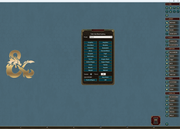
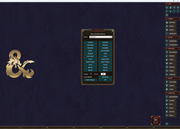
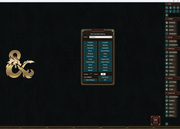
These four screenshots are the default skin for Fantasy Grounds Unity with some custom presents and my absolute favorite hexcode so far; 3805001C
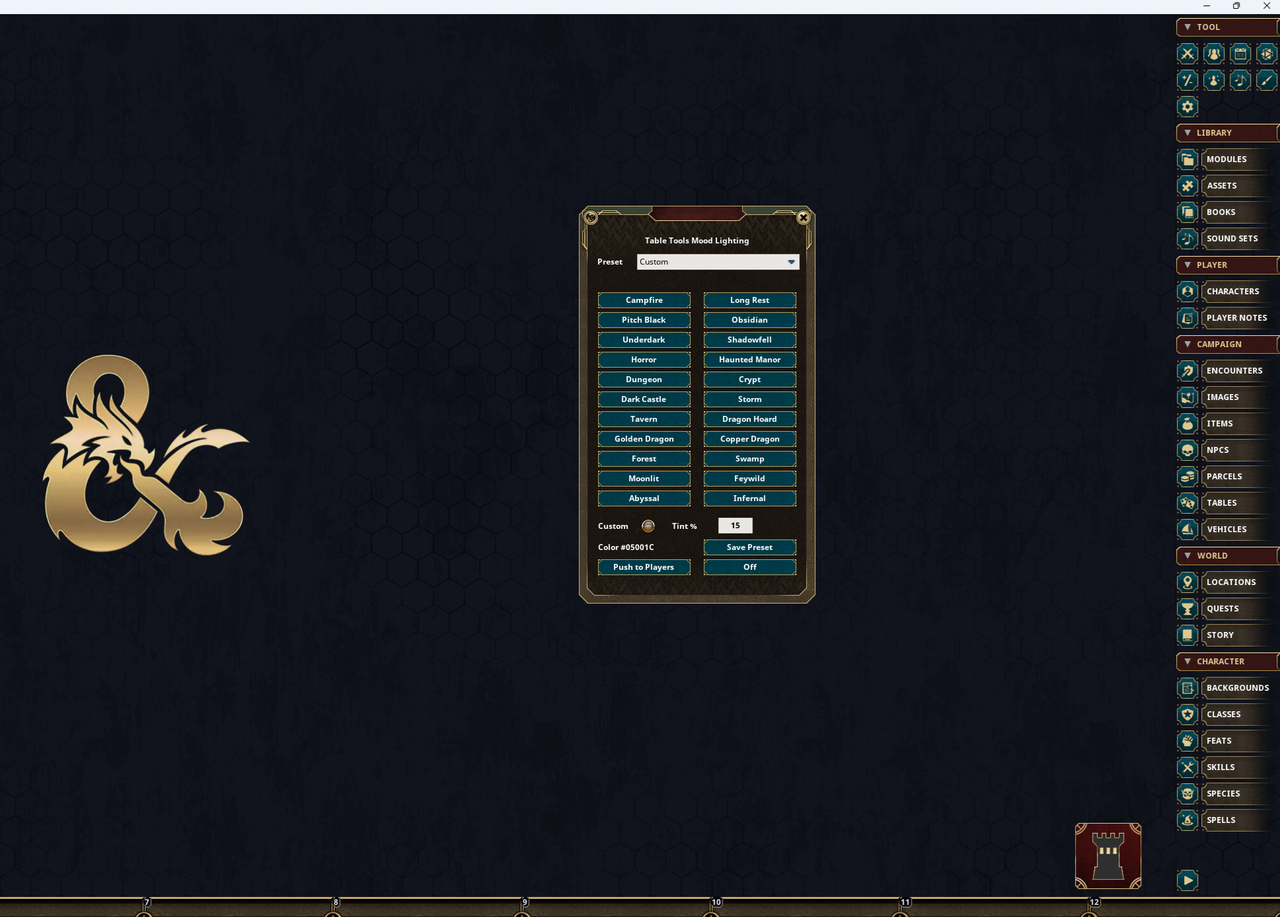
Features
- Adds a mood lighting button under the Fantasy Grounds Tool sidebar
- Includes D&D-inspired mood presets
- Includes a custom color picker, with alpha changing the transparancy
- Includes opacity/transparency percentage control to custom and preset themes
- Saves the selected mood between sessions
- Supports GM-synchronized mood lighting
- Supports player-selected personal themes
- Includes Push to Players for deliberate GM scene changes
- Supports slash commands for quick use
- Designed for CoreRPG-based rulesets
- Works for All Themes
- Allows user to save present theme colors
Notes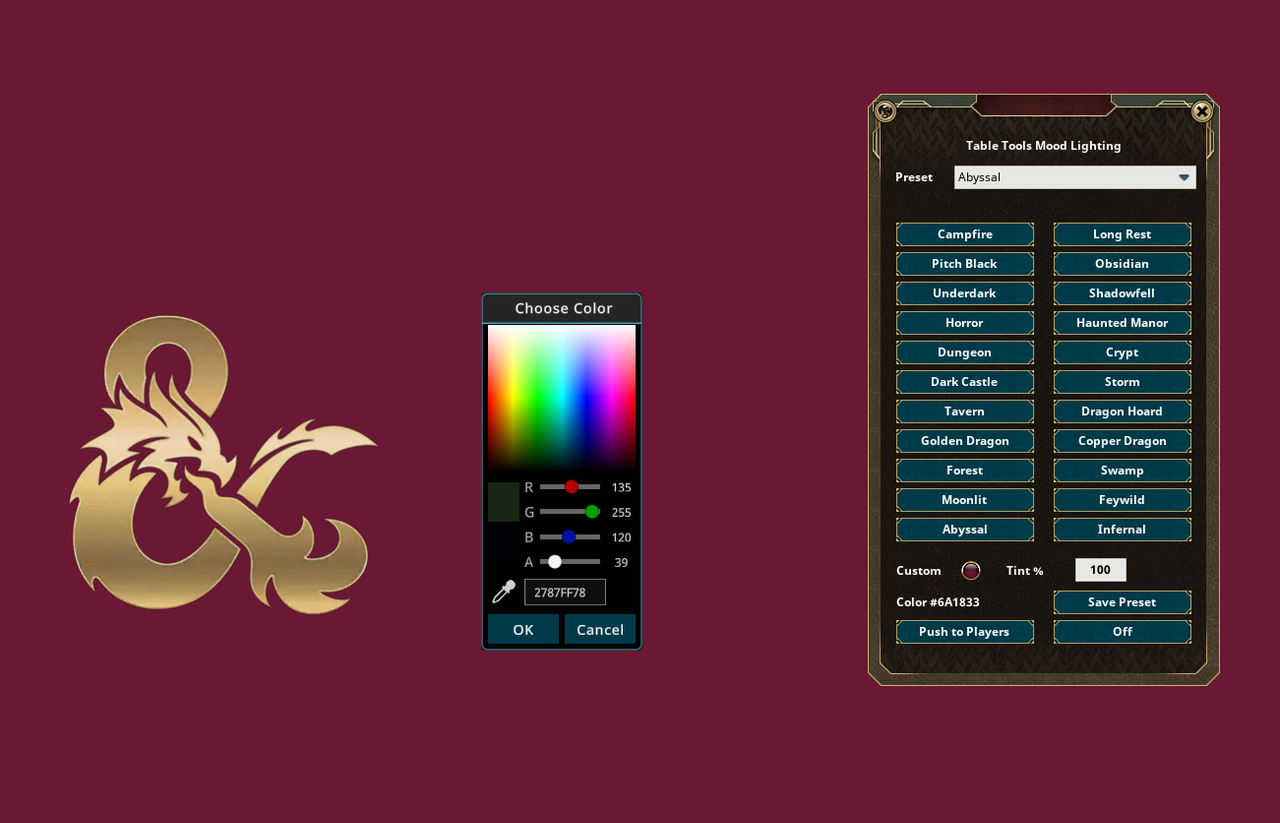
- This extension does not change map lighting, token visibility, line of sight, ambient lighting, or image/map specific layer lighting.
- Mood lighting is applied to the Fantasy Grounds desktop background.
- Players can set their own local mood lighting when the GM allows Player Choice.
- The GM can still push the current mood to players when needed.
- Ruleset and theme behavior may vary slightly depending on how the desktop background is handled. But it's super fun on every theme I've tested.
Forge
Table Tools Mood Lighting on the Forge
Changelog
27/6/2026 Typed Tint % changes now apply when the value changes, when pressing Enter, when tabbing away, and when the field loses focus. As well, it preserves the current preset/color instead of turning it into Custom.Last edited by Melborne; June 27th, 2026 at 13:37.
Weekly campaigns deserve better tools.
FGU extensions by Melborne
-
June 27th, 2026, 09:03 #2Archangel

- Join Date
- May 2014
- Location
- London
- Posts
- 3,134
Nice idea bring back the classic tint.
Tint% can be edited but it doesn't apply - pressing Enter or Tab doesn't apply it
-
June 27th, 2026, 12:32 #3Zealot
- Join Date
- Sep 2018
- Location
- Canada
- Posts
- 99
I can make a quick fix for it; but applying the tint prior to selecting does. Originally Posted by Jiminimonka
 Weekly campaigns deserve better tools.
FGU extensions by Melborne


 Reply With Quote
Thread Information
Users Browsing this Thread
There are currently 1 users browsing this thread. (0 members and 1 guests)
 Posting Permissions

Bookmarks